Product  ·  Platform  ·  Possibilities

Synerise Summer Product Update 2026

Plenty of AI can talk. Synerise knows what your customer will do next. Language is the interface. Behavior is the intelligence.

Four headline releases and 28 more, all on one behavioral AI infrastructure.

01

Headline Releases

Language models learn from what people say. Synerise learns from what they do. For more than a decade we have built AI on behavior: what people browse, buy, abandon and return. This summer's four headline releases put a plain-language interface on that engine, for your customers, your teams, the AI tools you already run and your business data.

WHY

Four components, one behavioral AI infrastructure

Why these four lead this update: each one works on its own, and they work best together.

Most AI puts a language model over a product catalog. It talks well but cannot tell what each customer will do next. Synerise starts from behavior, and the four releases give its behavioral AI infrastructure four jobs:

One behavioral engine sells, operates, connects and feeds four Synerise components.
One behavioral engine
SellsCustomer Agentto customers, on web and app
OperatesSystem Agentwith your teams, on approval
ConnectsMCP Serverto Claude, Codex and your own agents
FeedsBrickworkswith your business data

Close-up of a yellow uniform with a Customer Agent patch
01

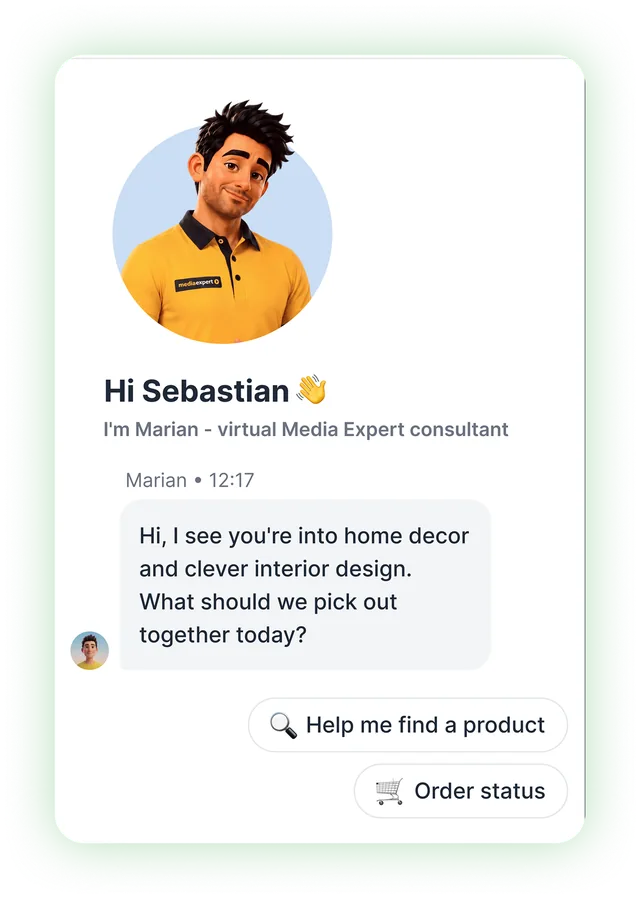
Synerise Customer Agent:the conversational AI shopping assistant, on every surface where customers look

Media Expert app: chat with Marian, the virtual consultant, opening with a personalized greeting and quick actions for finding a product or checking an order

Opportunities

Customer Agent knows each customer, talks in your brand voice, and sells from live product and business data, using a Persona you define. Customers ask in their own language - Agent clarifies vague requests, states its limits, and retrieves order status, stock levels, or answers from your documents.

Why Synerise:The Agent, your listings, search, recommendations and offers all run on the same behavioral AI infrastructure. What someone searches for shapes their recommendations, and what they click there changes the listings they see next. The model learns from every interaction on every surface.

2.6 billiondecisions made across the platform every day
65,000events per second at peak
225B+Big Data queries per month
Explore Synerise Customer Agent

See it in production: Synerise Customer Agent at Media Expert

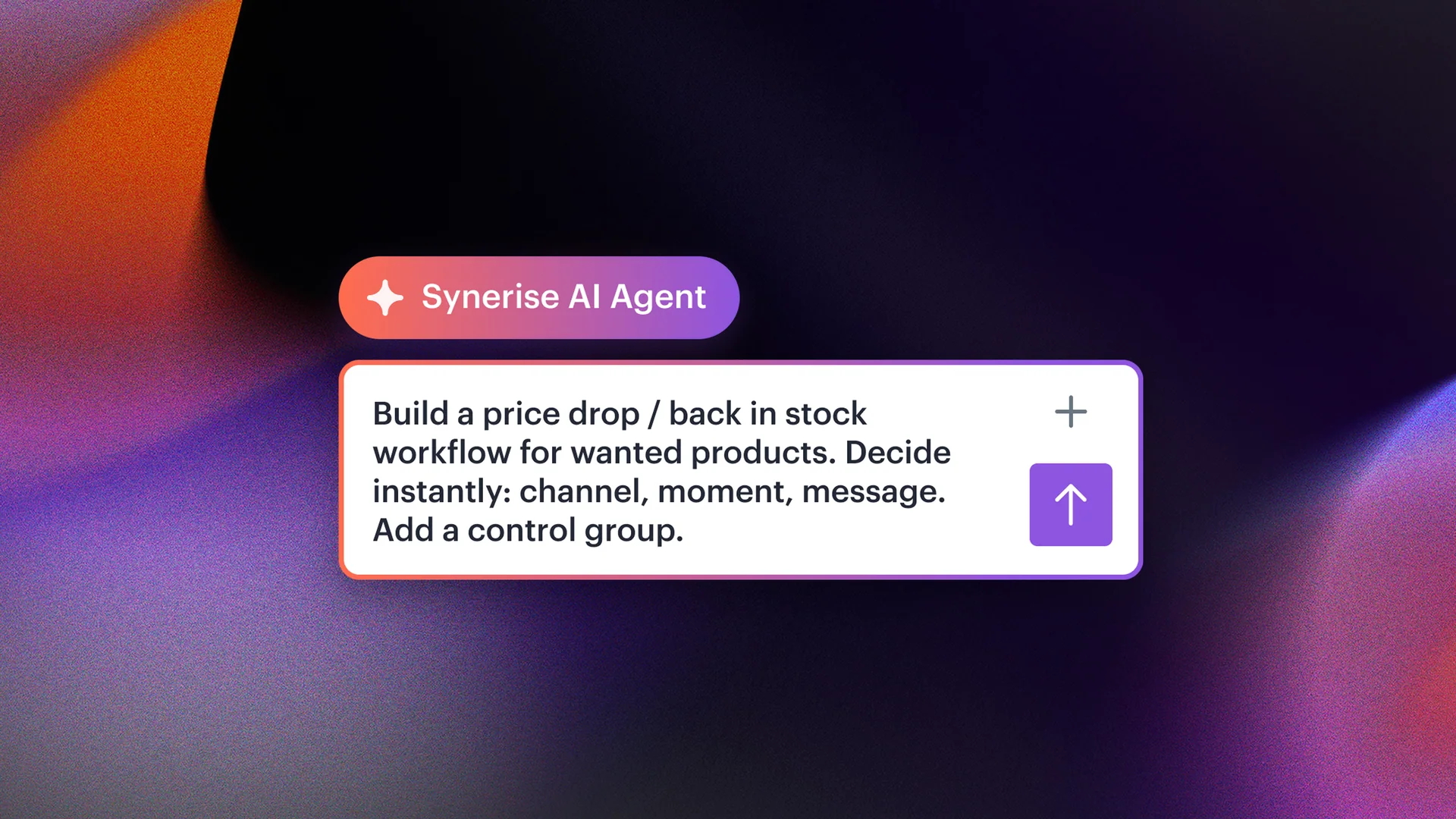
Synerise AI Agent prompt to build a price-drop and back-in-stock workflow, on a dark purple and orange background
02

Synerise System Agent:the AI copilot for platform work — move from asking questions to getting it done

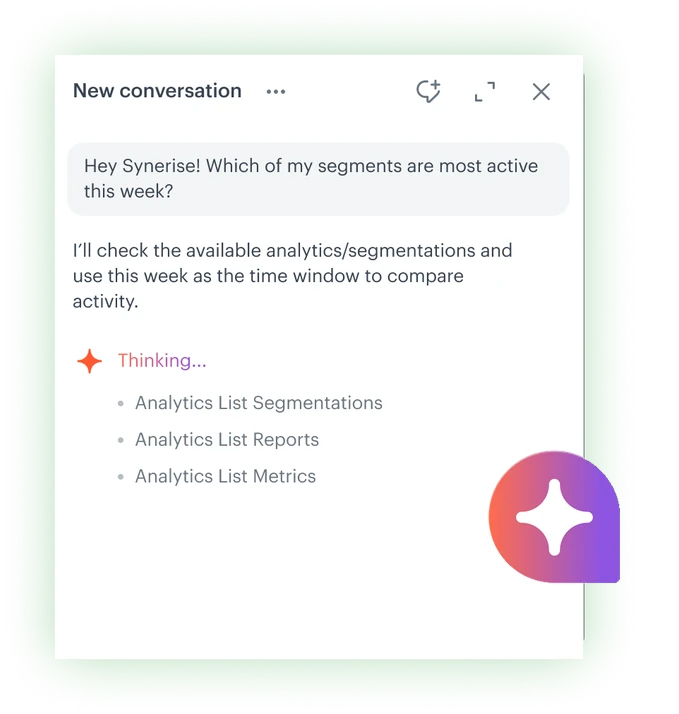
Synerise System Agent chat: a question about the most active segments this week, and the agent listing the analytics it will check

Opportunities

System Agent answers questions end to end using your workspace data, the User Guide, API Reference and Use Case Library. Describe what you need in plain language, like a workflow, an IQL filter or a Jinjava snippet, and it builds it once you approve. In read-only mode it runs deployment audits across the workspace, checks the status of your recommendation models and AI Search, and drafts analytical reports on how they perform.

Why Synerise:It works within your role's permissions, and nothing is saved until you approve it. Ask why a product ranked first in search and the Agent explains it. It can also tell you what the churn model predicts or how a recommendation campaign performed.

System Agent works at four levels of autonomy:

  1. 01Show

    Data and visualizations on request

  2. 02Monitor

    Platform state and what needs fixing

  3. 03Explain

    Configuration logic and why numbers moved

  4. 04Build and teach

    New resources, through your approval

Explore Synerise System Agent

See it in action: the live demo from Synerise Way

Colorful geometric shapes around the Synerise MCP Server title on a black background
03

Synerise MCP Server:the Model Context Protocol server that connects Synerise with the wider enterprise AI ecosystem

Diagram showing an external AI tool connecting to Synerise through MCP to access platform capabilities.
Your AI tool

chat, agent or internal app

Synerise MCP Server

OAuth · permission-aware · audited

Recommendation campaigns
Brickworks schemas
Platform actions

Opportunities

MCP Server connects any AI agent or internal tool to live Synerise data and campaigns through the open Model Context Protocol, turning natural-language intent into real platform work. No custom integration project and no exporting customer data elsewhere: integrations go up in hours rather than weeks, with OAuth authentication, permission-aware access and full audit as standard.

Why Synerise: MCP Server exposes Synerise's real object model — recommendation campaigns, Brickworks schemas, platform actions — directly to any MCP-compatible agent, secure and governed by design:

  • Read-only by design
  • Workspace-scoped access
  • On-demand, no streaming
  • Privacy-aware usage
Explore Synerise MCP Server
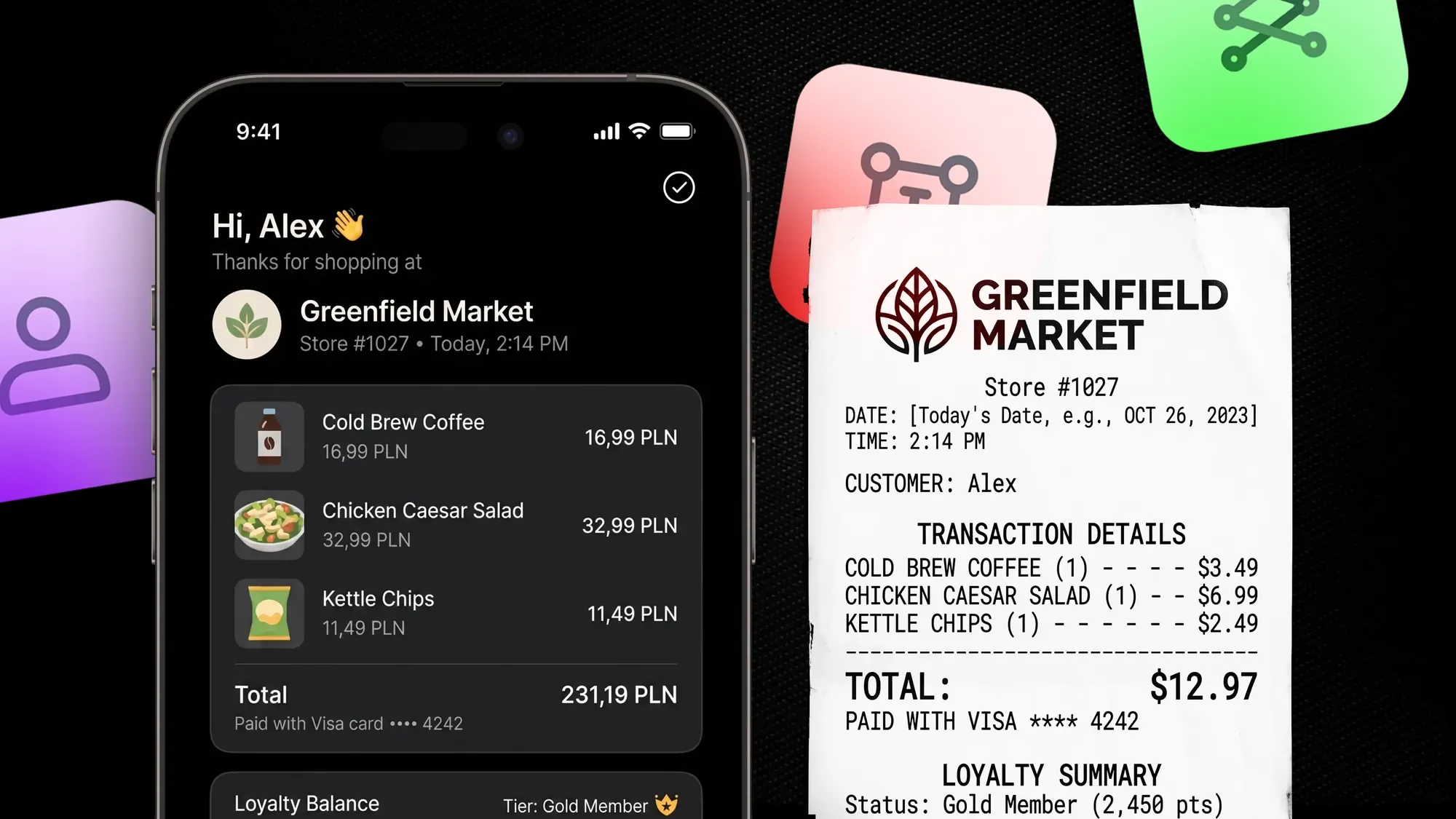
Greenfield Market purchase and loyalty balance on a phone beside a receipt
04

Brickworks:the schema-based behavioral CMS — define once. Deliver everywhere. Personalized in real time.

A Brickworks visual schema defines offer, recommendations and loyalty fields. Their values are resolved by segments, behavior and context into one API response delivered to app, email, in-store and web.
Visual schemaStructure
Offer
Recommendations
Loyalty
Personalization
Resolve field values

Segments · Behavior · Context

One API responseDelivery
Offer
Recommendations
Loyalty
App
Email
In-store
Web

Opportunities

Brickworks, a schema-based behavioral CMS, defines content structure once in a visual schema and delivers the whole bundle to any surface in a single API call with a zero-copy approach, grounded in first-party behavioral data and proprietary behavioral AI models.

Any field can serve different values to different segments, set once in the schema editor instead of duplicated schemas or scattered overrides. Each response can also be shaped on the fly, recommendations included, so a single call returns personalized content ready to display without extra development overhead, shortening time to market.

Find out more
  • Natural language setup
  • Enterprise-grade validation
  • Security and access control
  • Version-controlled schemas
  • AI governance built in
  • Grounded in first-party behavioral data
Explore Brickworks
02

Browse the rest of the Summer 2026 update

28 more releases, all running on one behavioral AI infrastructure, which keeps TCO in check. Browse them by the business value they deliver or by the Synerise hub they come from.

02

By business value

Summer releases, grouped by what they move: reach, time-to-value, revenue, measurable impact and operating cost. A gain in one area carries into the next, with no new integration to build or govern.

Reach and engagement: messaging channels and campaign delivery

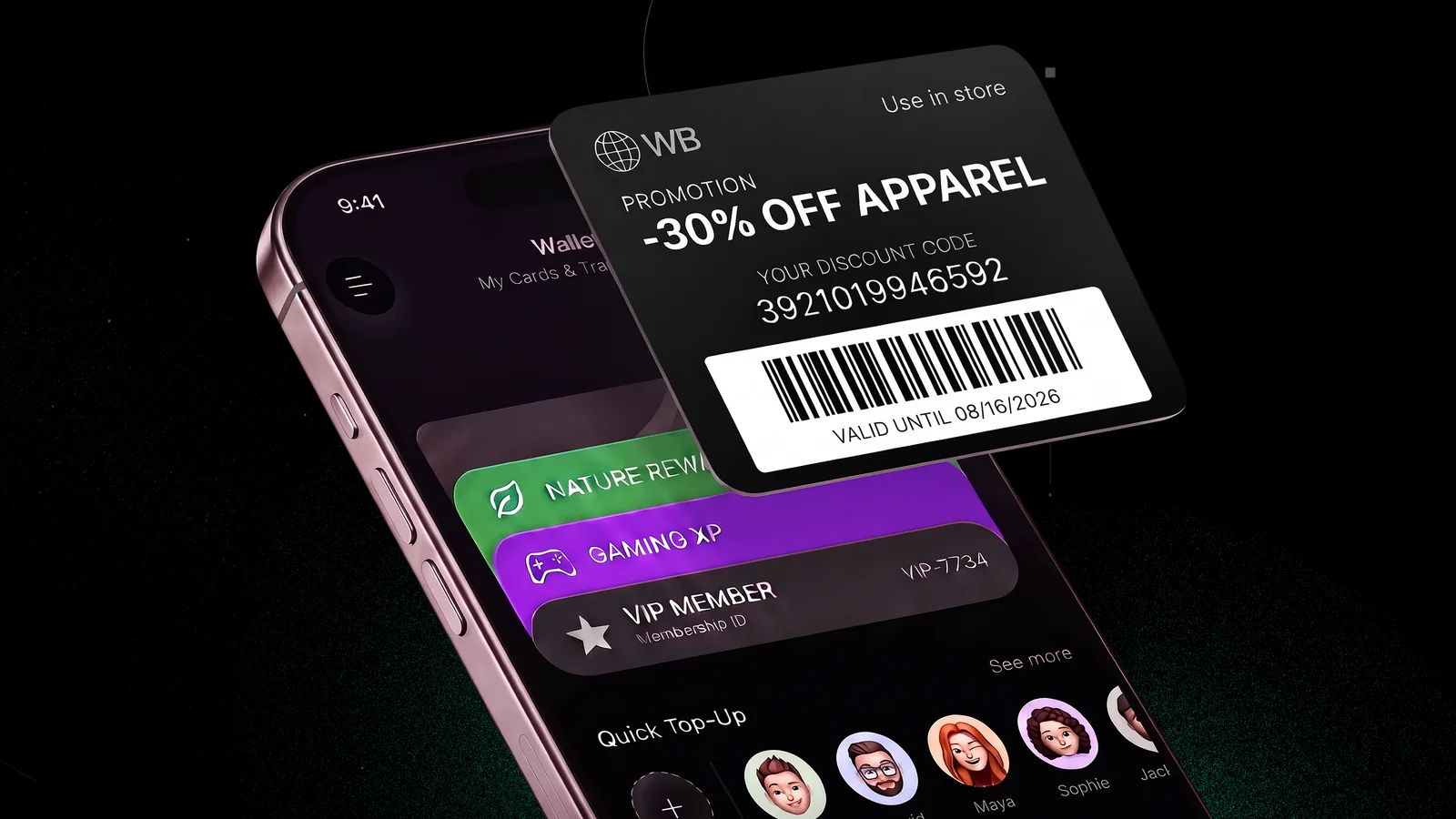
Phone wallet with colorful cards behind a black 30% off apparel promotion pass and barcode
Experience Hub · Featured

Wallet Passes

Personalized, real-time loyalty cards, coupons and memberships for Apple and Google Wallet — added in two taps, no app and no account needed. The pass updates itself: balance, status and offer change on the phone as the profile changes. Built with Modivo Platform.

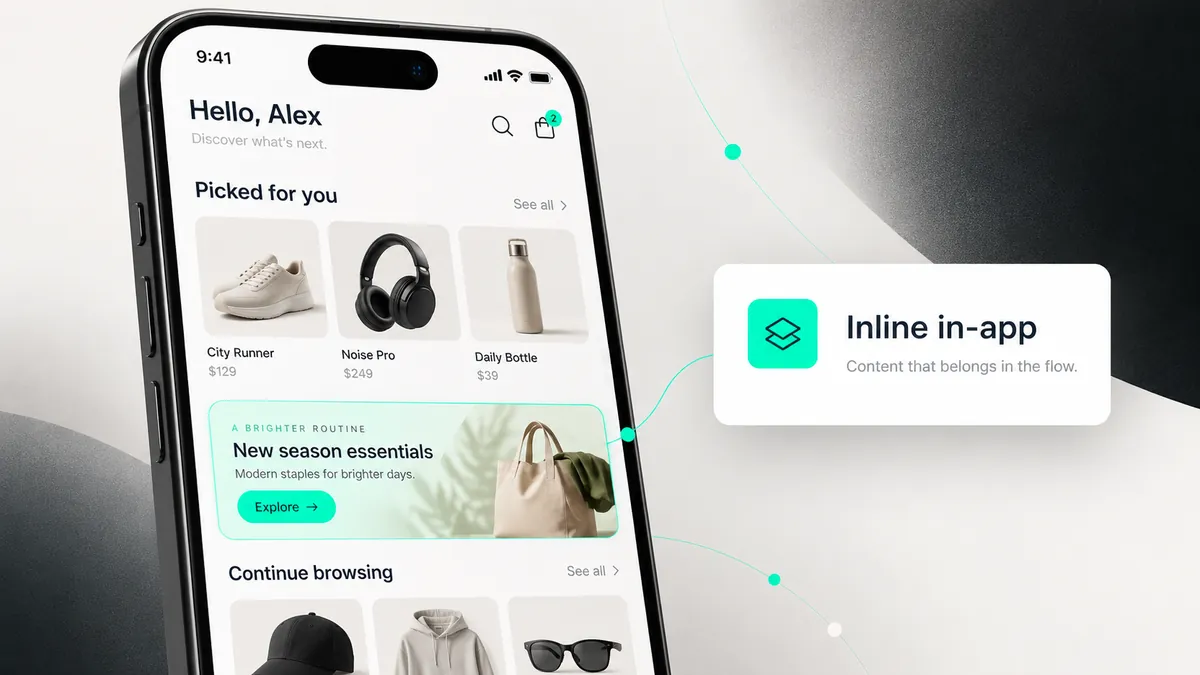
Phone home screen with an inline in-app banner, New season essentials, placed between the Picked for you and Continue browsing product rows
Experience Hub · Featured

Inline in-apps

Change content inside your app without shipping a new version. Inline in-apps sit in the app's own layout, as a banner in a list, a tile on the home screen or a whole view, and your campaigns decide what fills each slot.

Synerise and WhatsApp logos side by side with an arrow between them
Automation Hub · New channel

WhatsApp communication

WhatsApp sending integrated directly into automation workflows, alongside your other channels, with an embedded Meta signup flow.

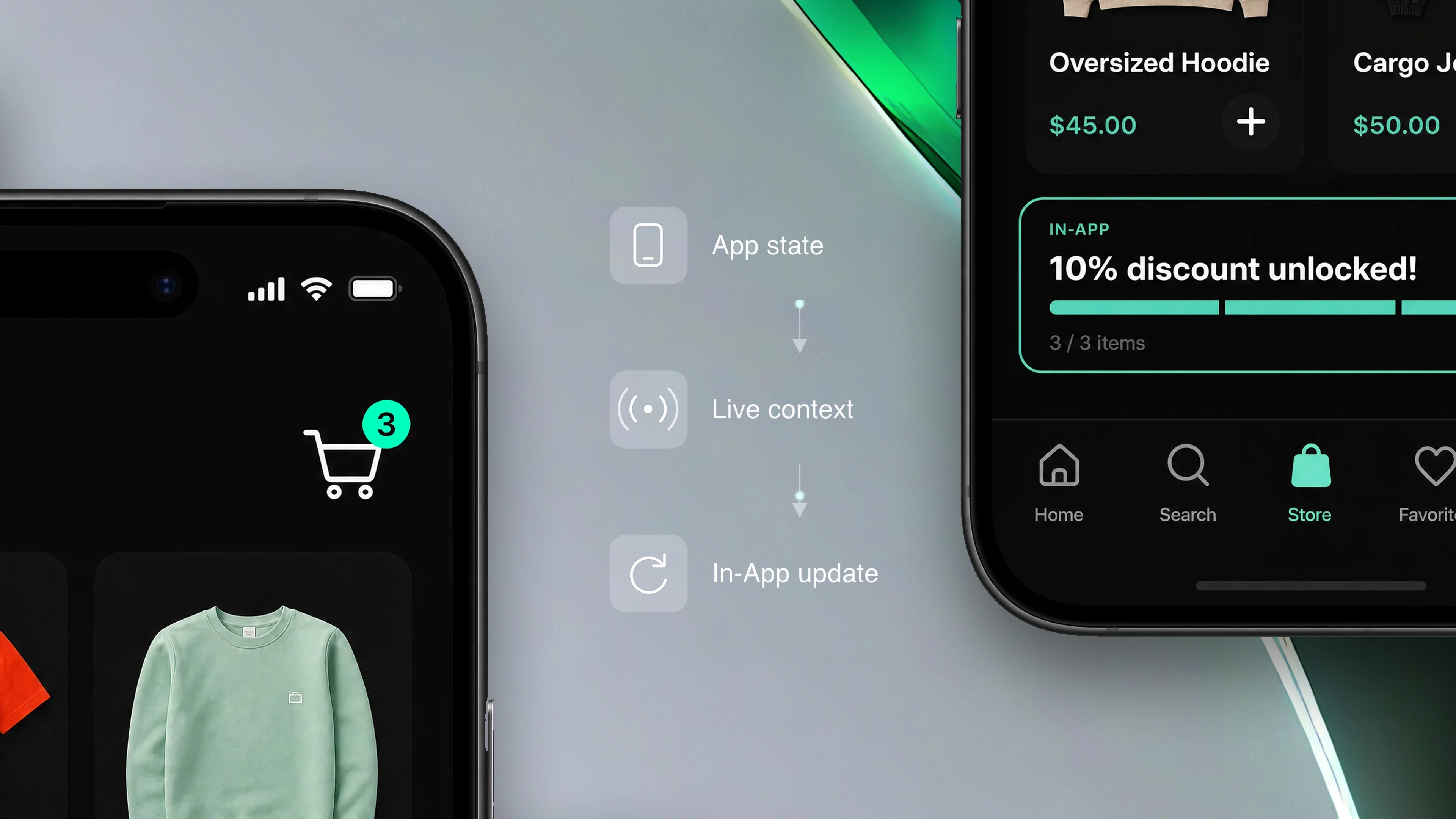
Mobile store screen and an in-app discount, connected by app state, live context and in-app update
Experience Hub

Mobile app context for In-App

An in-app message can react to the moment it lands in: cart contents, the product on screen, promo eligibility and loyalty status, passed live by the iOS and Android SDKs.

Woman using a phone with Store UK, Campaign and Dynamic Sender labels linked by messaging icons
Experience Hub

Dynamic sender selection for email, SMS and WhatsApp

One campaign can now speak with the right voice per profile: the sender is picked by location, conditions or business rules — in email, SMS and WhatsApp. Clicks in WhatsApp come back as their own events, so that channel is measured like the others.

Find out more about dynamic sender selection

Faster time to value: integrations and data onboarding

Synerise and VTEX logos on two keycaps — the Synerise S in black and the VTEX mark in red
Plugins & integrations · Featured

VTEX catalog synchronization

Real-time catalog sync from VTEX, configured and mapped entirely inside Synerise. Product data flows live into Customer Agent, Recommendations and Automation Agents.

White Shopify logo on a dark green background with geometric green and yellow panels
Plugins & integrations · Featured

Shopify data sync

Sync customers, orders and products with field-level mapping and real-time, event-triggered sync — you decide which fields cross and when.

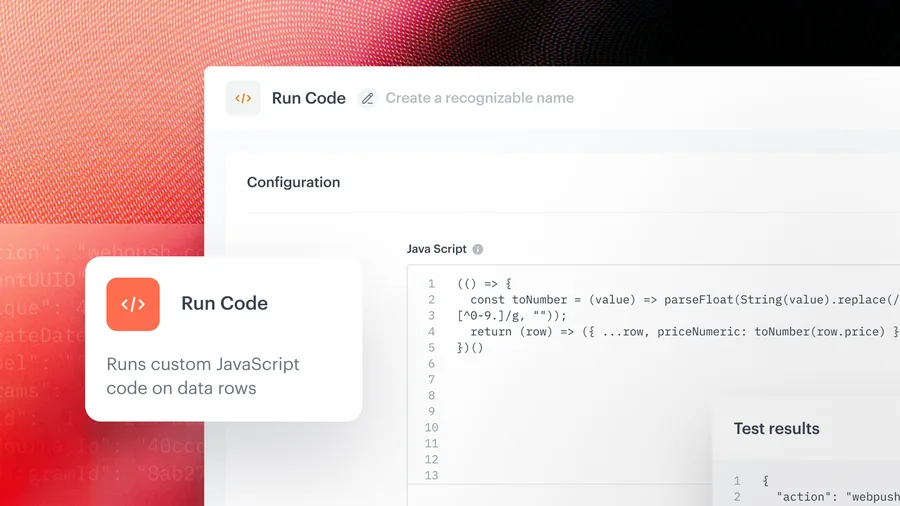
Run Code node in a Synerise workflow: a JavaScript editor with a transformation script and a test results panel
Automation Hub · Workflows

Run Code node

Your own transformation logic in plain JavaScript inside a workflow: convert values, calculate fields, filter rows, split one row into many.

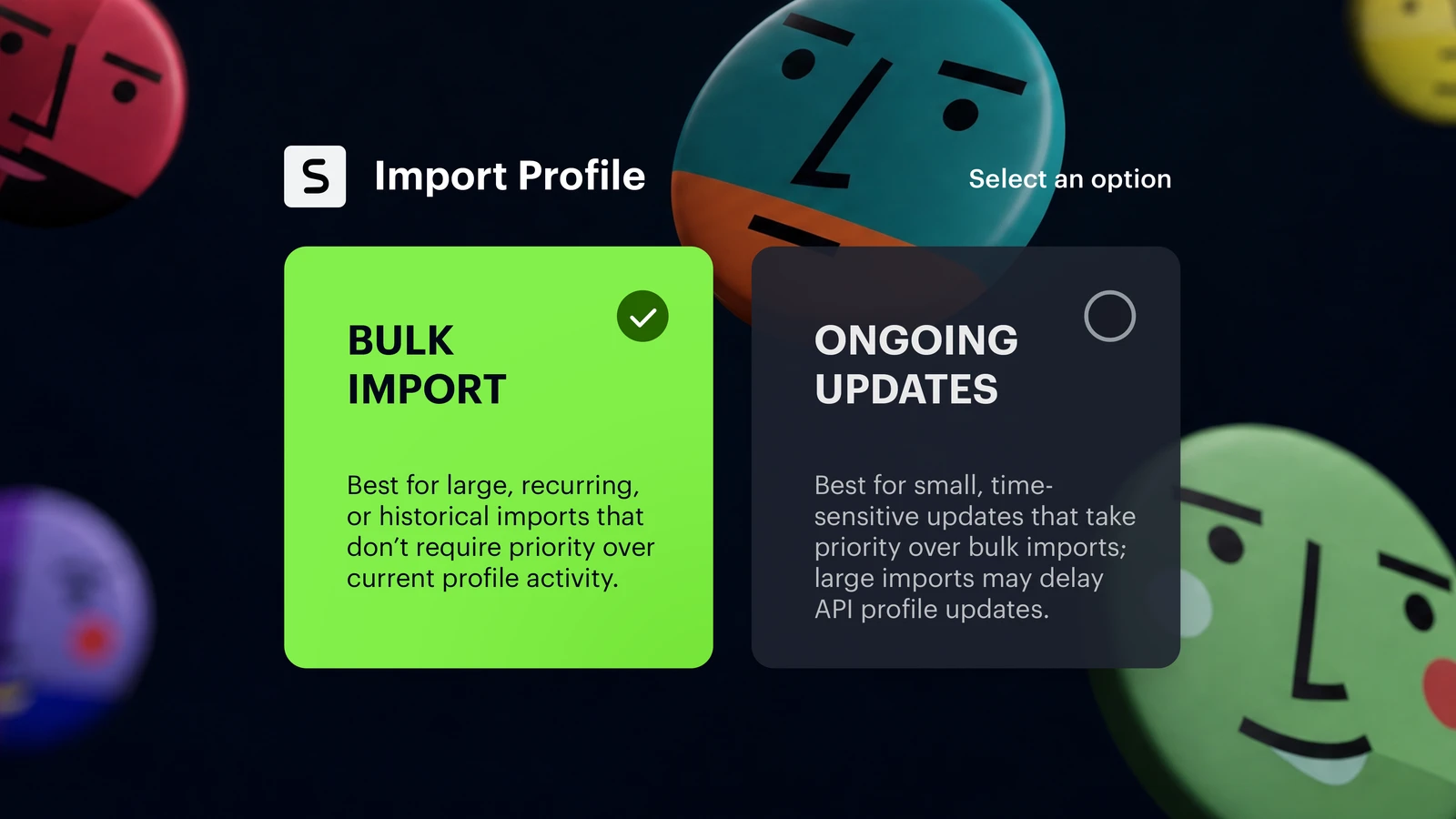
Import Profile screen comparing Bulk Import and Ongoing Updates processing modes
Behavioral Data Hub · Profiles

New profile update processing modes

Time-sensitive updates land first, whatever else is running. Bulk import, now the default in Synerise, carries the backfills and migrations in the background.

Synerise logo connected by an arrow to the Facebook logo on a blue background
Automation Hub

Upload Profiles to Facebook Custom Audience

Send a selected group of profiles from Synerise straight into a Facebook Custom Audience — no export file, no manual upload in between.

Revenue from discovery and offers: search, recommendations and promotions

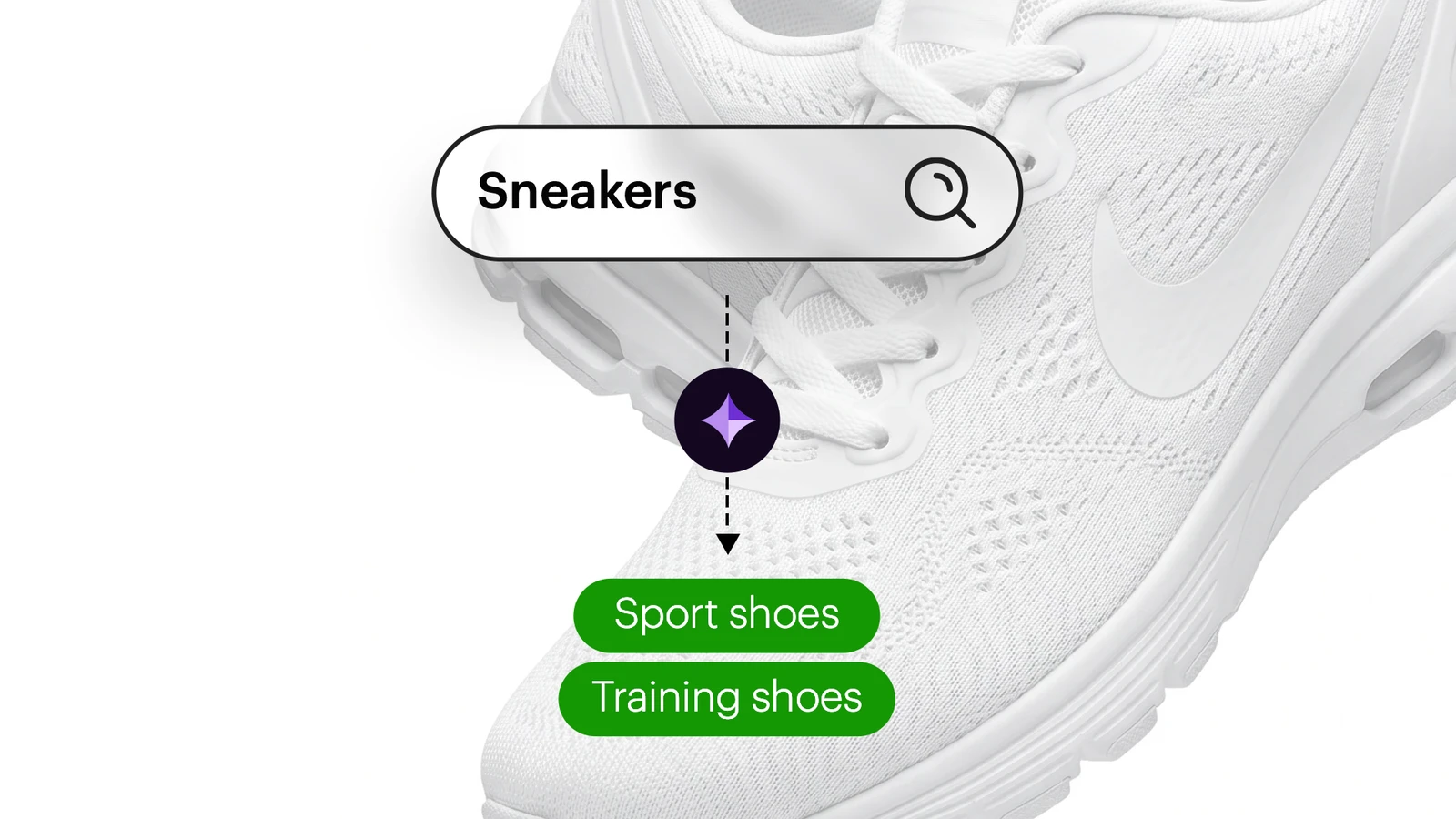
Synonym Agent: the query Sneakers in a search box, with the agent proposing Sport shoes and Training shoes as synonyms
AI Hub · AI Search

Synonym Agent

Customers rarely search in catalog language. The agent reads real search behavior, proposes synonym pairs with a confidence score and a reason, and your team accepts, edits or rejects each one before it goes live across every search surface.

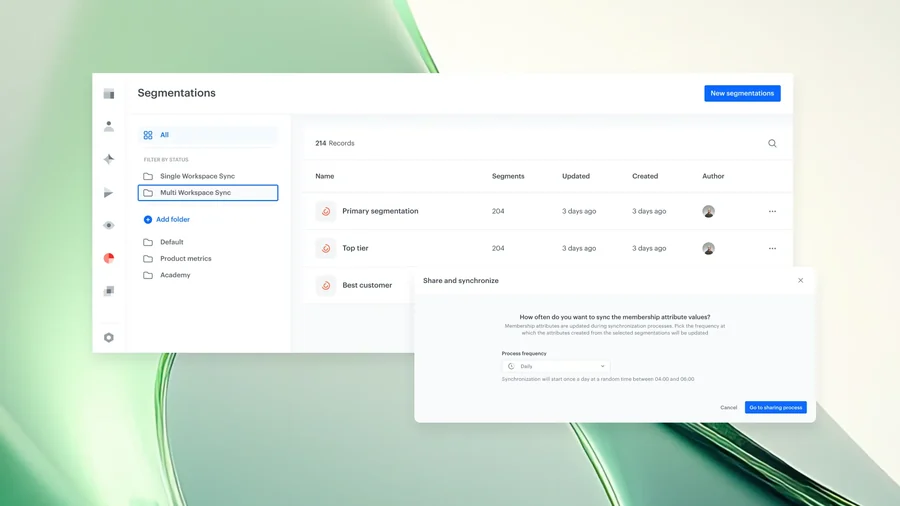
Segmentations list in Synerise with a Multi Workspace Sync folder and a Share and synchronize dialog setting how often membership attribute values are synced
Decision Hub · Multi-brand

Co-Brand Decisioning Layer

Brands share the insight and keep their data apart. A segment becomes a membership attribute that other grouped workspaces can target on, so one decision reaches every brand.

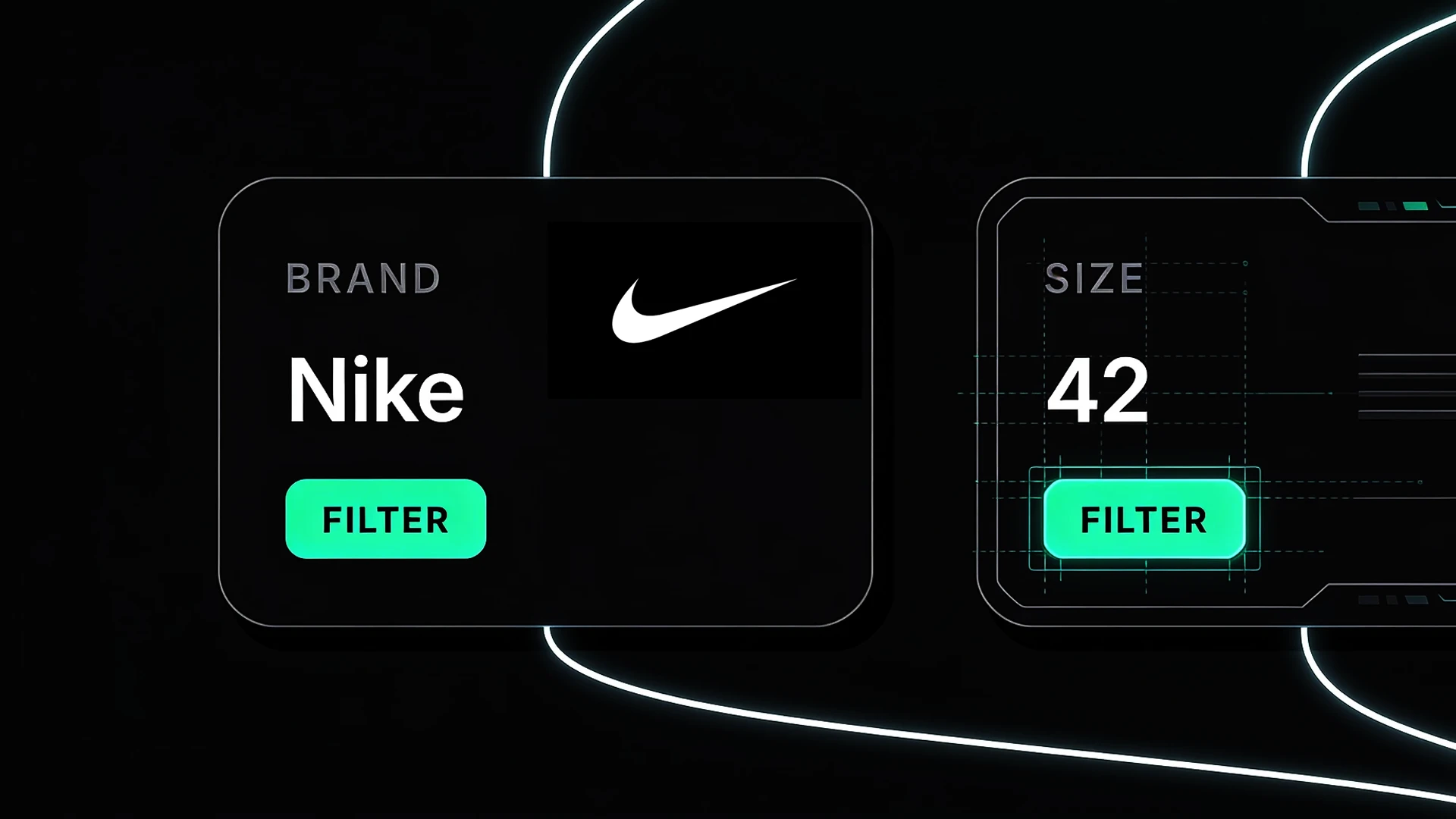
Brand Nike and size 42 shown as filters extracted by SLM-powered Query Understanding
AI Hub · AI Search

SLM-powered Query Understanding

Shoppers who search with intent get results that match it. A small language model in AI Search reads brand, size, color and price from the query and applies them as filters, with no query rules to maintain.

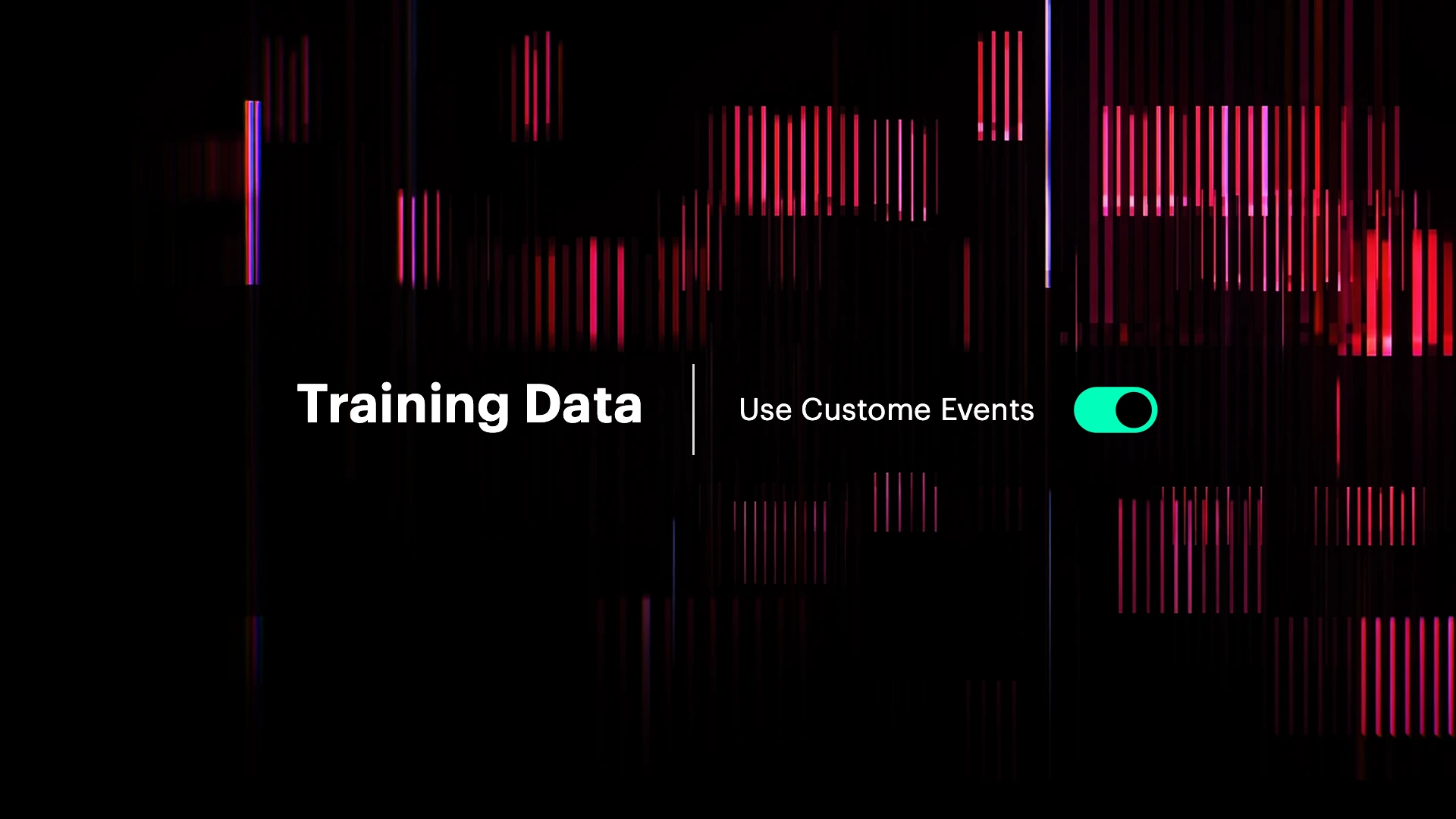
Training Data graphic with a custom events toggle amid pink and purple data patterns
AI Hub · Recommendations

Custom events as training data

Recommendation models can now learn from your own custom events, not just the standard ones — so what counts as interest in your business is what the model is trained on.

Payment card formed from flowing white lines with a purple glow on a dark background
Loyalty Hub · Targeting

Purchase history as a targeting layer

Promotions can now target tens of thousands of audiences built on purchase history — SKU, category or brand interactions — not a hundred. Purchase-based and classic profile segments combine inside one promotion, and the behavioral evaluation runs in the promotions layer, so scale does not cost performance.

Pink circles and diagonal gradient bars on a blue background
Loyalty Hub · Promotions

Mutual exclusion in personalized promotions

One customer no longer gets two offers from the same shelf. Mutual exclusion is applied at the level you pick in the product hierarchy — category or sub-category — with an opt-out for campaigns that deliberately need variety.

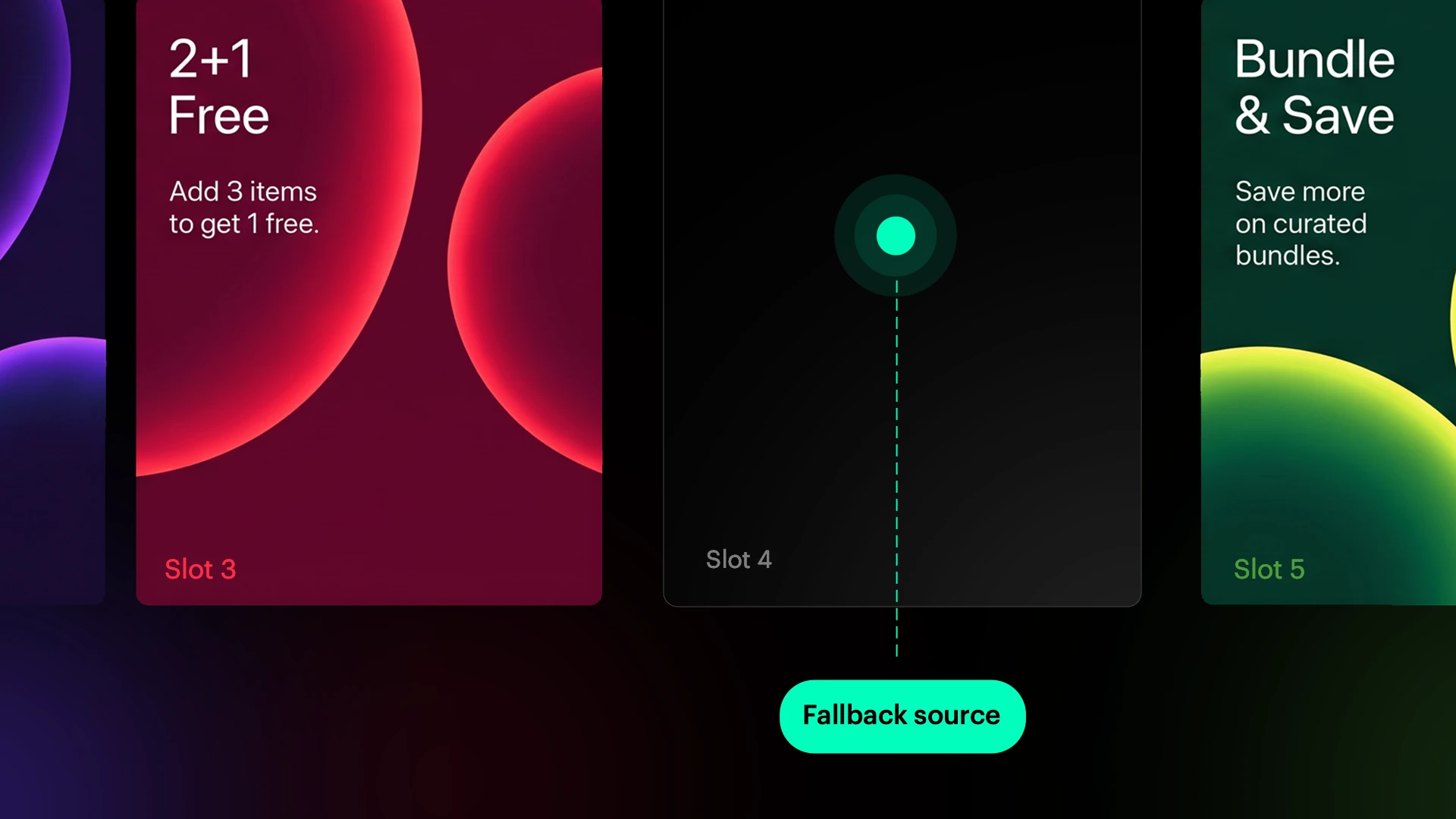
Promotion cards with an empty slot connected to a fallback source
Loyalty Hub · Promotions

Fallback for unfilled slots

No promotion slot is left empty. When the allocation rules run out of eligible offers, the remaining slots are topped up from a fallback source, so every customer gets a complete set.

Measurable impact: analytics, attribution and reporting

Decision Hub · Analytics

Inline Analyses

Create Aggregates, Expressions, Segmentations and Metrics inside the object that needs them, nested as deep as the logic requires.

Decision Hub · Reporting

Attribution Aggregate

A new aggregate that links a trigger event to the outcome it led to — a purchase, for instance — so the connection sits in the report instead of being inferred from two of them. Read in changelog

Behavioral Data Hub

Inline event details in the event list

Event details open inline on the list, several at once, so their parameters sit side by side instead of behind a popup — and a second pass on that view made events with long parameter sets easier to read and move around in.

Find out more about inline event details

Operational efficiency: workflow automation and workspace operations

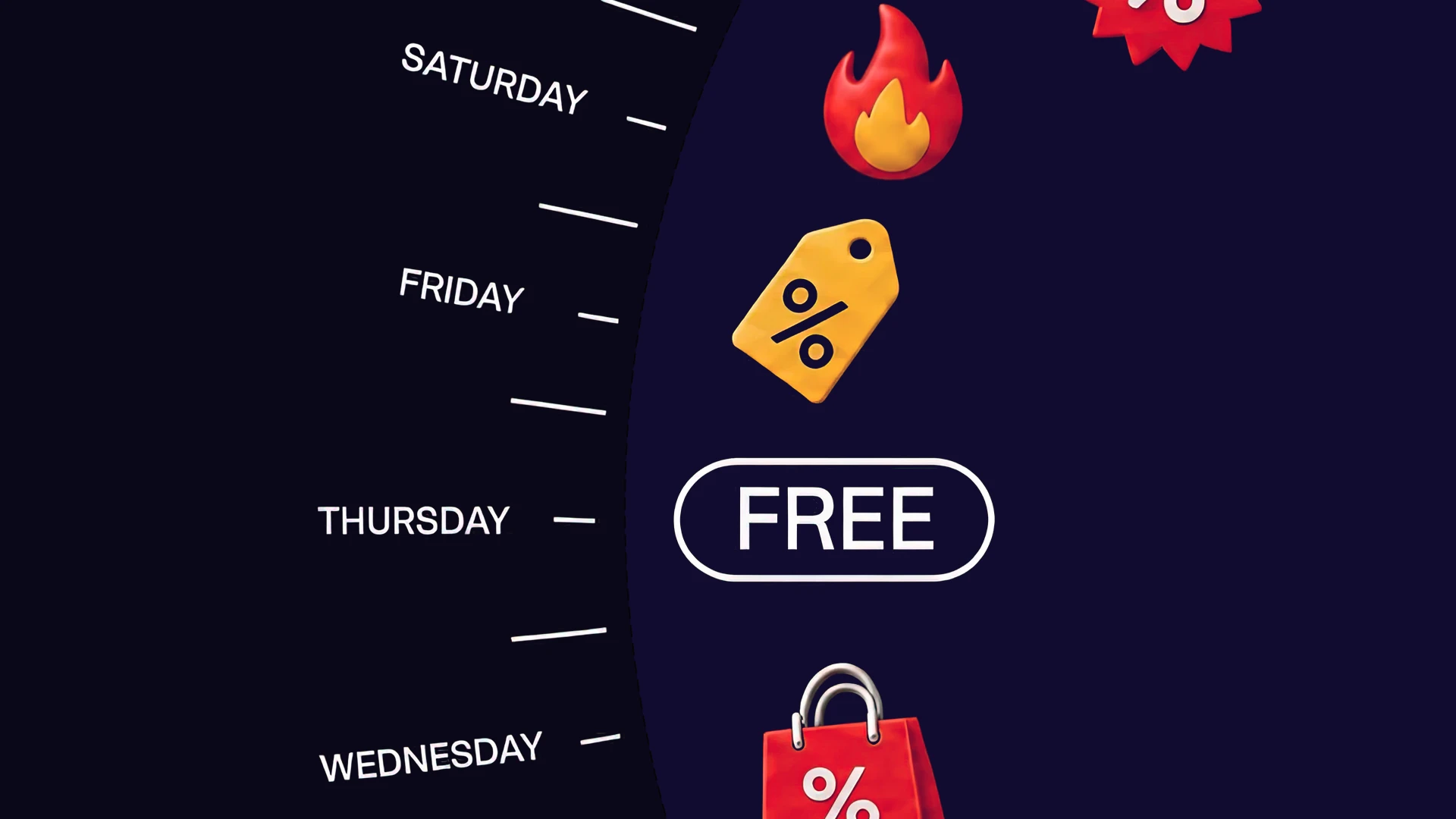
Weekly promotion schedule with discount tags, a flame and a free offer on a dark purple background
Loyalty Hub · Scheduling

Personalized promotions on any recurring cycle

A set that resets every two weeks no longer means building a new one every two weeks. Recurrence can repeat every set number of weeks from a starting point you define, so the cycle is configured once and the IDs the integration asks for stay the same.

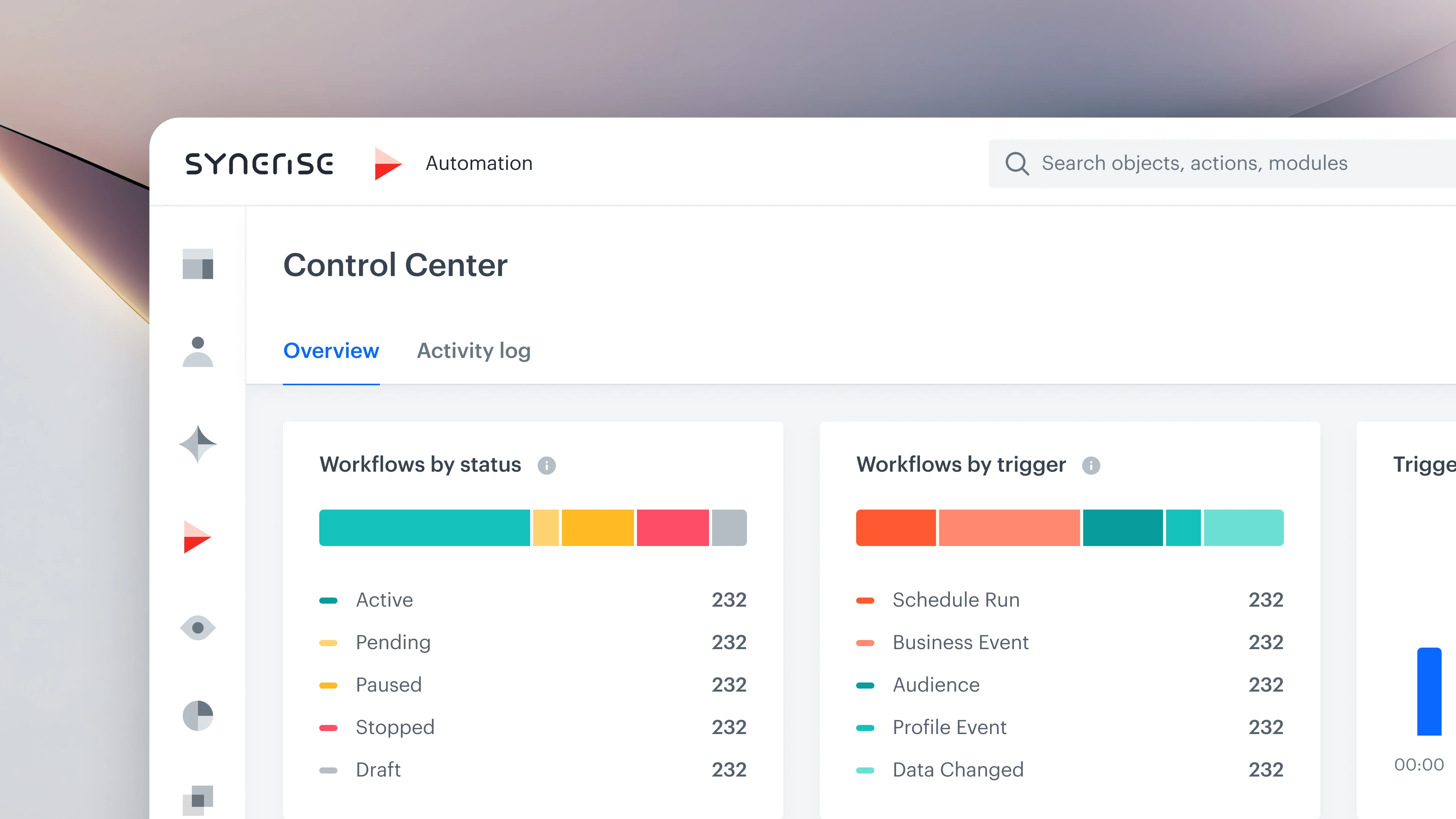
Synerise Automation Control Center dashboard showing workflow status and trigger metrics
Automation Hub

Automation Control Center

One dashboard for everything automation is doing: what is running, what is scheduled next, how often triggers fire, and which workflows hit errors — failed export and data-exchange jobs included, with profile and workspace issues kept apart. Read on Pulse

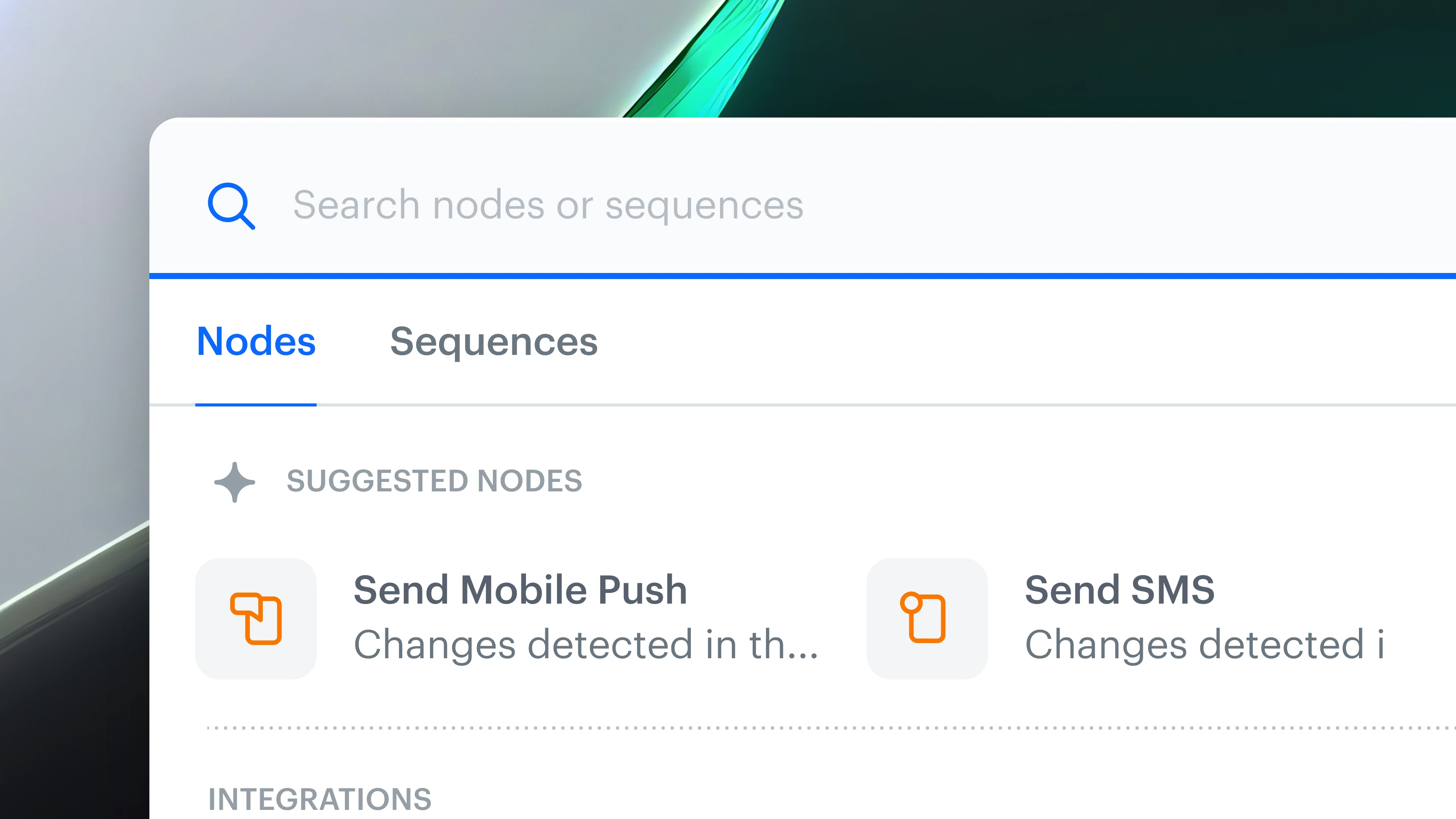
Automation node picker with Nodes and Sequences tabs and suggested Send Mobile Push and Send SMS nodes
Automation Hub

Workflow canvas: catalog writes, cURL integration setup, reusable elements

More of the work happens on the canvas: writing to a catalog, setting up an integration from a pasted cURL command, composing alert content in the node that sends it — and reusing what repeats instead of rebuilding it.

Find out more about the workflow canvas
Automation Hub

Bulk actions and canvas readability for workflows

For teams running hundreds of workflows: act on many at once, set the list up to show what matters, and read the canvas at a glance — content shown on the nodes, images in the notes, a redesigned toolbar, and a diagram you can export and hand over.

Find out more about bulk actions and canvas readability
Experience Hub

Message editor previews: SMS cost, template dependencies, hover preview

Fewer surprises after you hit send: the editor shows what an SMS will really cost, which objects a template pulls in, and how a message looks — on hover, without opening it.

Find out more about message editor previews
Pink and blue data patterns rising to a sharp peak on a dark background
Loyalty Hub

Personalized promotions at peak load

Promotions keep their speed when traffic spikes and campaign volumes grow. The processing behind them was tuned for that load, and the setup screens now take fewer steps to configure.

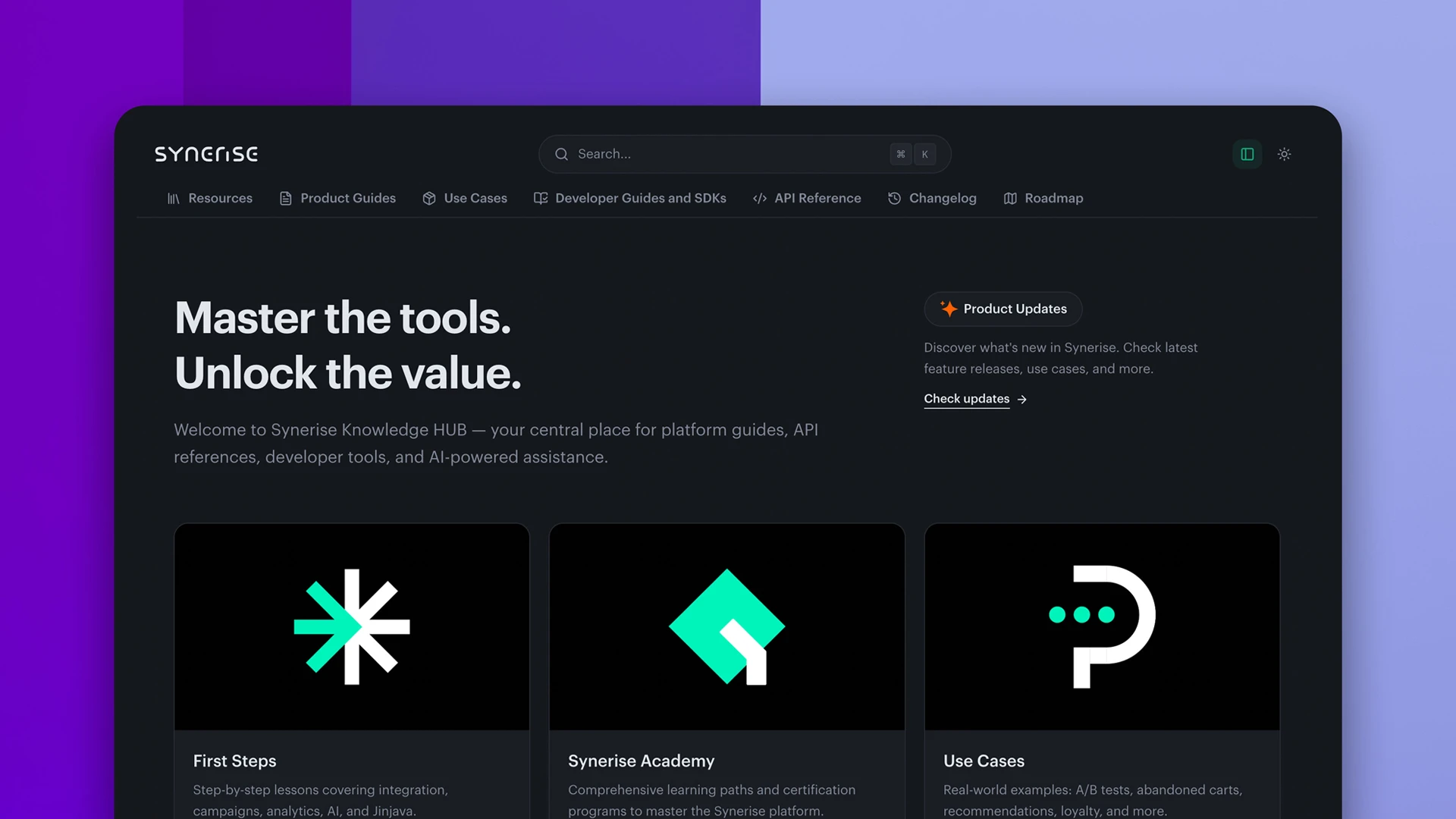
Synerise Knowledge Hub homepage with unified navigation, search, First Steps, Synerise Academy and Use Cases
General · Documentation

Unified documentation experience

User Guide, API Reference and release support now live in one place, under one search and one navigation — so an answer takes one lookup instead of three.

Michał Pastuszak, Head of Product, Synerise

A note from Michał Pastuszak, Head of Product

Thanks for reading this far. These releases are only worth what you build with them for your clients. If one of them fits a project you are planning, tell us. We want to hear about it.

Michał PastuszakHead of Product, Synerise

Share on LinkedIn
See the post text

Just went through the Synerise Summer Product Update. One behavioral AI infrastructure now sits behind search, recommendations, a Customer Agent grounded in first-party data, a System Agent that does platform work on request, and an MCP Server that opens all of it to the AI tools teams already use. The architectural point: an agent is only as good as the context it runs on. When search, recommendations and both agents read the same behavioral models and governed schemas, you run one data layer instead of four integrations to keep in sync, and MCP keeps the AI tooling on top replaceable. See the full update: https://synerise.com/synerise-summer-product-update #Synerise #BehavioralAI #AIProductDiscovery